Exploren EV Charging Software in Perth
ChargingWA installs EV chargers that run on Exploren, the charging software behind more than 7,000 charging ports in Australia and New Zealand. It lets drivers start a charge with an app or a tap card, and it bills each charge to the right person.

What Exploren Is
Exploren is EV charging software and a charging network. It is the sister company of EVSE Australia, which sells Ocular chargers, and EVSE is owned by Intellihub.
Exploren works with chargers from more than 40 makers, because it uses OCPP, the open standard chargers use to talk to software.
- 7,000+Charging ports on the network
- 40+Charger makers it works with
- 24/7Fault monitoring
Drivers Start With a Tap or a Scan
A driver plugs in, then scans the QR code on the charger or taps an RFID card, a small tag that unlocks the charger.
You Set the Price
At a public or shared charger, the owner sets the rate: per kWh, with a plug-in fee, or by time of day.
Data Kept in Australia
Exploren hosts its data in Australia and monitors chargers around the clock, with automatic fault recovery.
Charging With the Billing Done for You
How do you use an Exploren charger?
Find the charger in the Exploren app, plug in your car, then scan the QR code on the charger or tap your RFID card. You watch the charge in the app, and it bills you at the rate the charger's owner has set.
For a building or a business, Exploren does the admin. It records every charge, bills the driver or the resident, and pays public charging fees to the site owner.
We install the chargers, connect them to Exploren and test every one before we leave.
Apartments and Strata
Each resident taps their own card, and Exploren bills them for the power they use, so the strata isn't paying for one person's car.
Public and Hotel Charging
Your chargers show on PlugShare and the Exploren app, drivers pay as they charge, and Exploren pays you the fees each month, less its software fee.
Get Your Exploren Charging Quote
How We Set Up Exploren Charging
The same six steps as every install we do, plus the Exploren setup: who can charge, what they pay and where the money goes.
Enquiry
You reach out by phone, form, or referral; we'll have a quick chat to understand what you need and how we can help.
Project Details
We'll ask for a few photos and details:
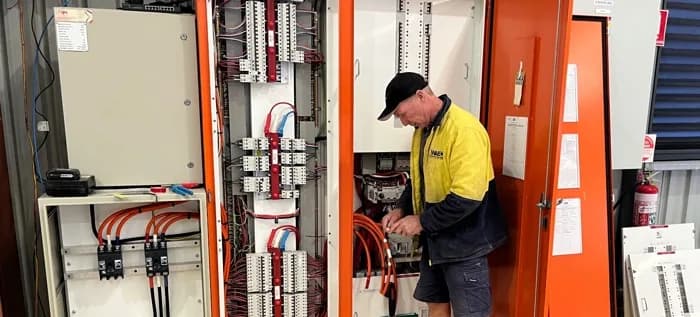
- Your switchboard
- The proposed installation location
- Any solar or battery setup
- EV make/model
This helps us give you accurate advice from the start.
Consultation
We'll talk through your needs, including:
- Current EV
- Plans to add more EVs
- Solar integration
- Load capacity of your home
We'll also explain what options make sense, and which don't.
Quote
You'll get a proper quote, not just a price. It includes:
- Product recommendation (with options)
- Full install scope
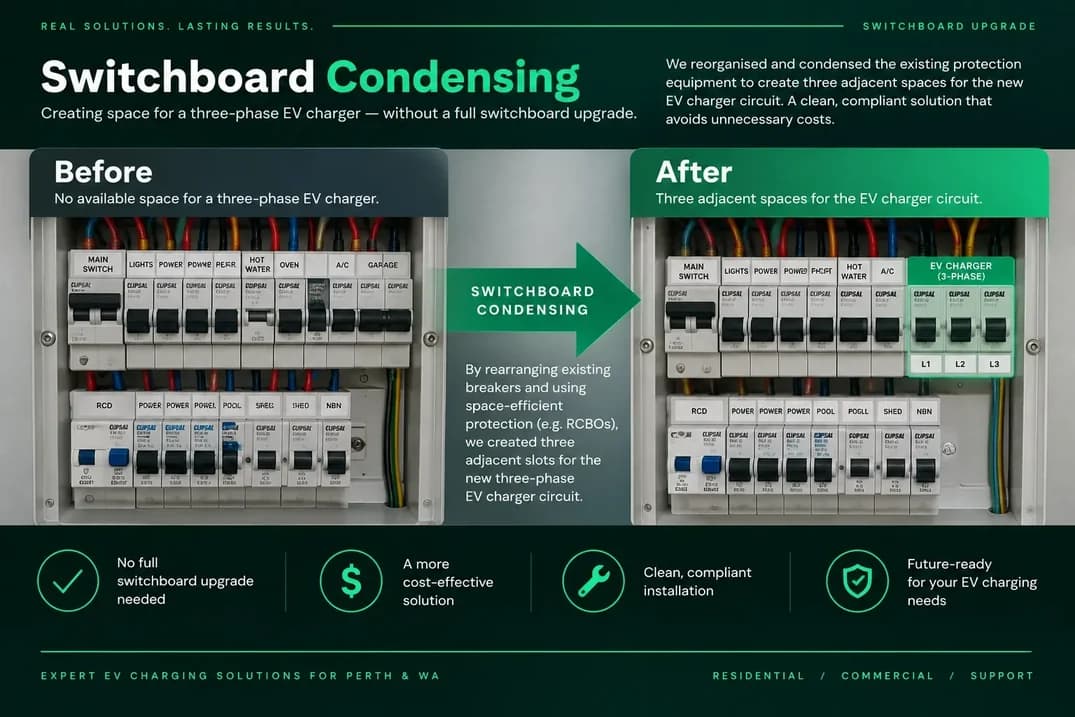
- Any upgrades needed (e.g. switchboard work)
- Optional extras like app control or solar syncing
Installation
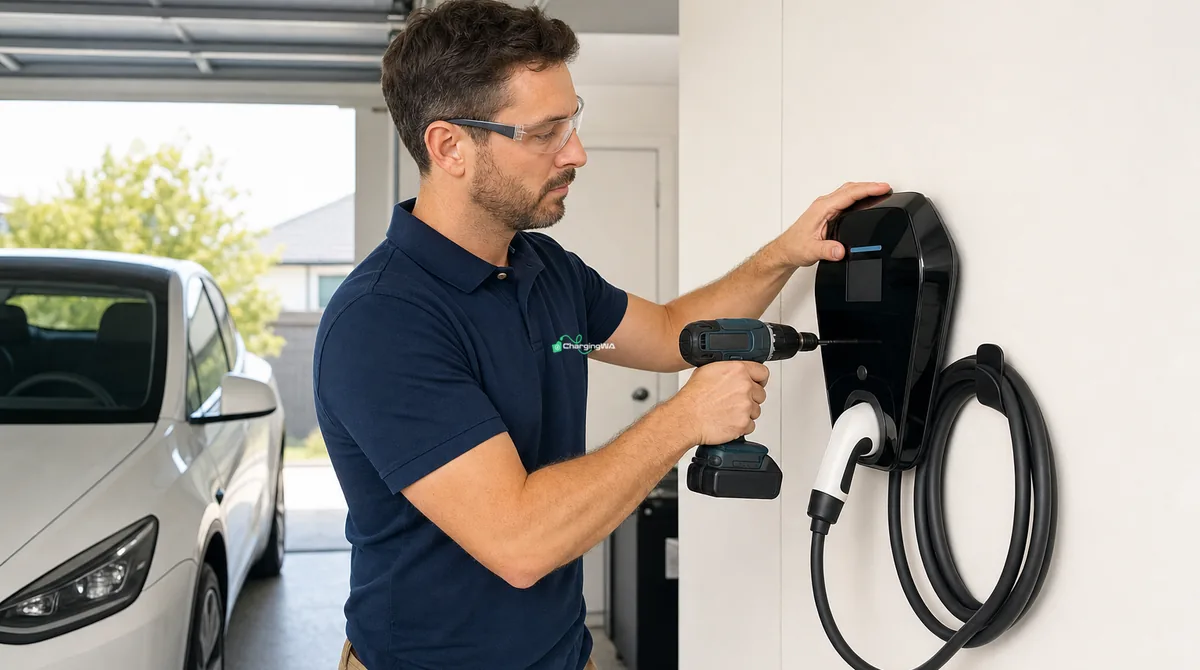
The installation day usually takes half to three-quarters of a day. We'll:
- Turn up on time
- Work cleanly and safely
- Commission and test the charger
- Show you how to use it
Ongoing Support
We show you the app (if applicable), check that everything's working, and ensure you're comfortable. And if something goes wrong later? You've got a local number to call us.
- Your chargers, live on Exploren
Why Choose ChargingWA for Exploren Charging?
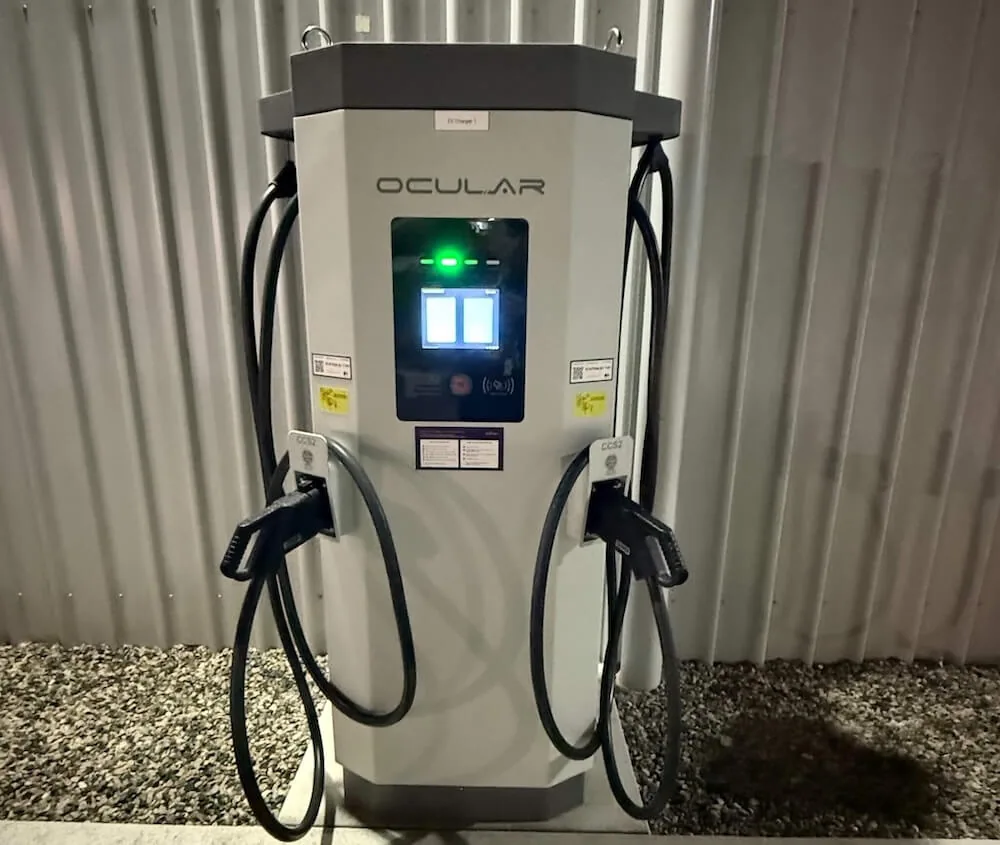
We've partnered directly with Ocular and Exploren, so we set up the charger and the software ourselves, and you deal with one team.
Charger and Software Together
We fit Ocular chargers and connect them to Exploren, so you have one point of contact if anything goes wrong.
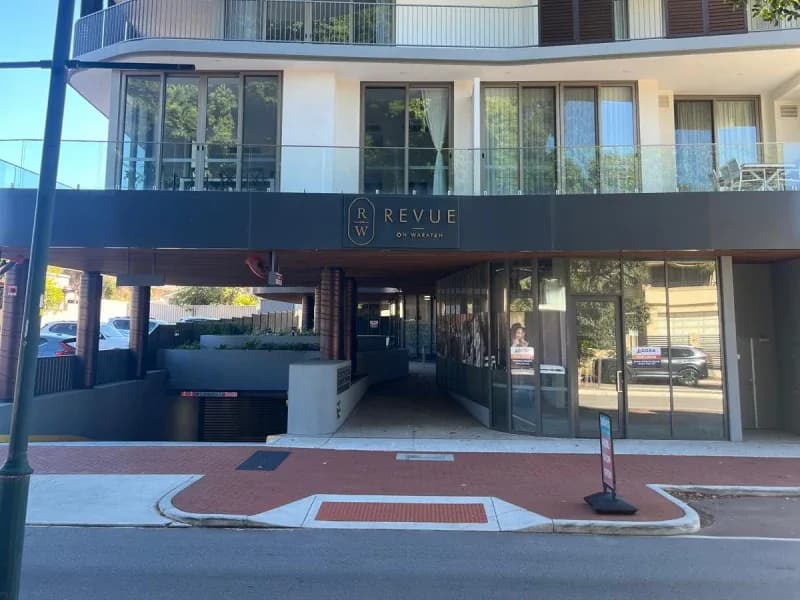
Running in a Dalkeith Apartment Block
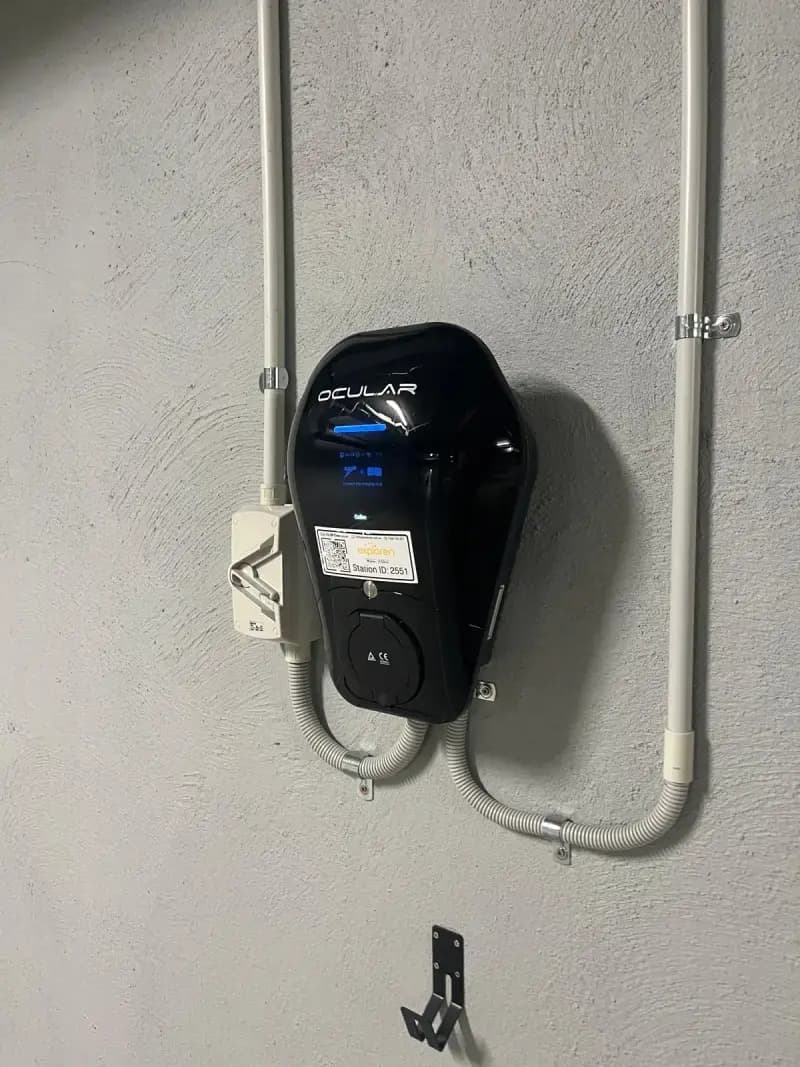
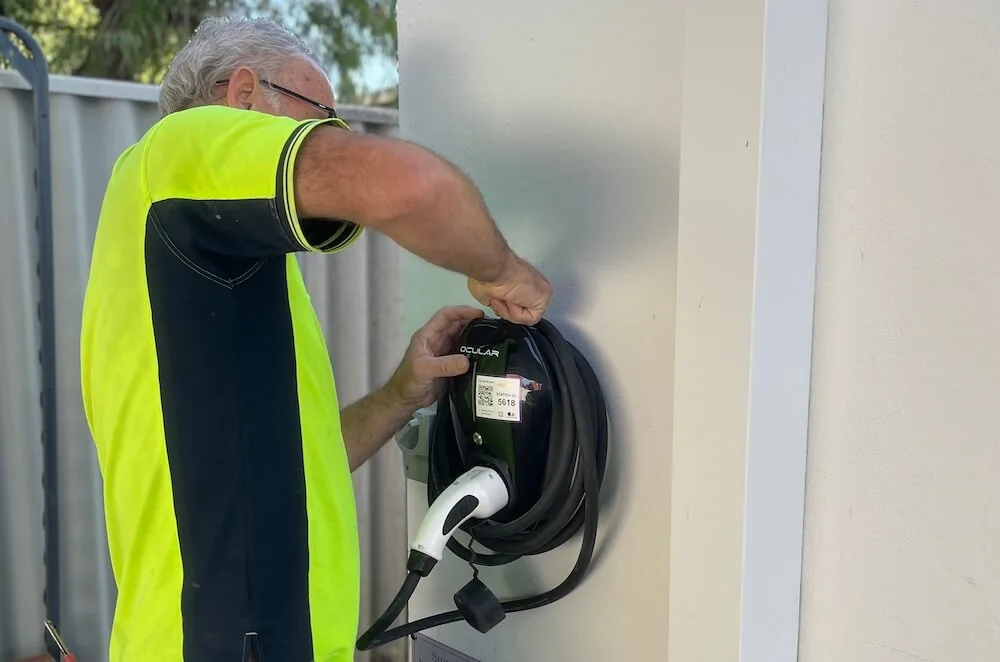
In a Dalkeith apartment block, residents tap a card to charge, and Exploren bills each one for their own use.
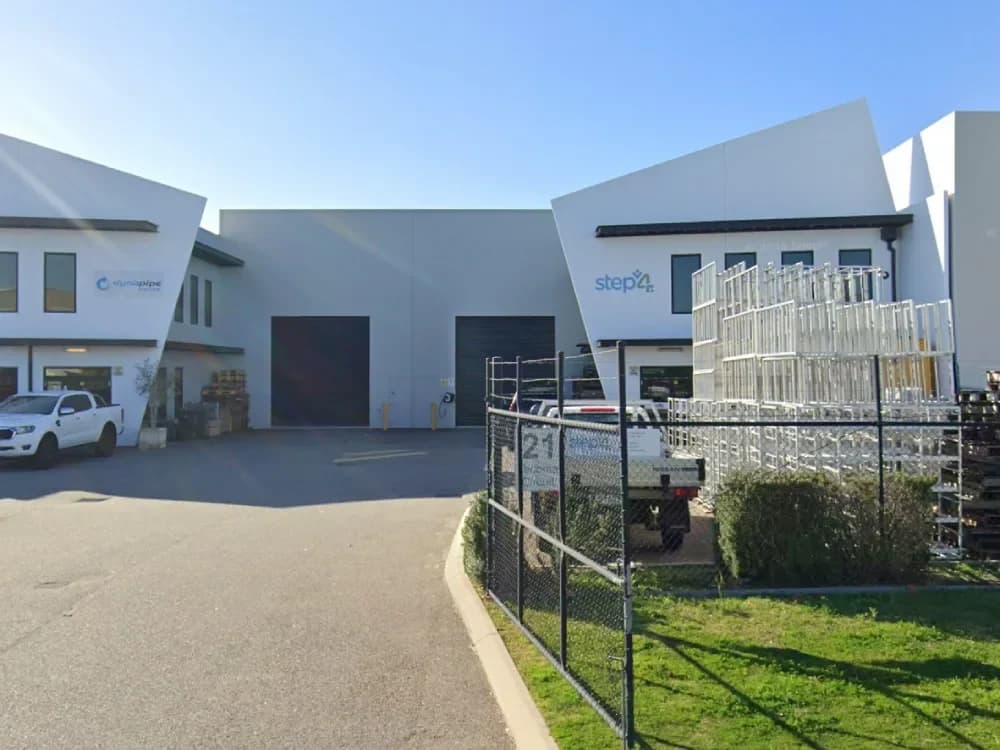
Done for a Workplace
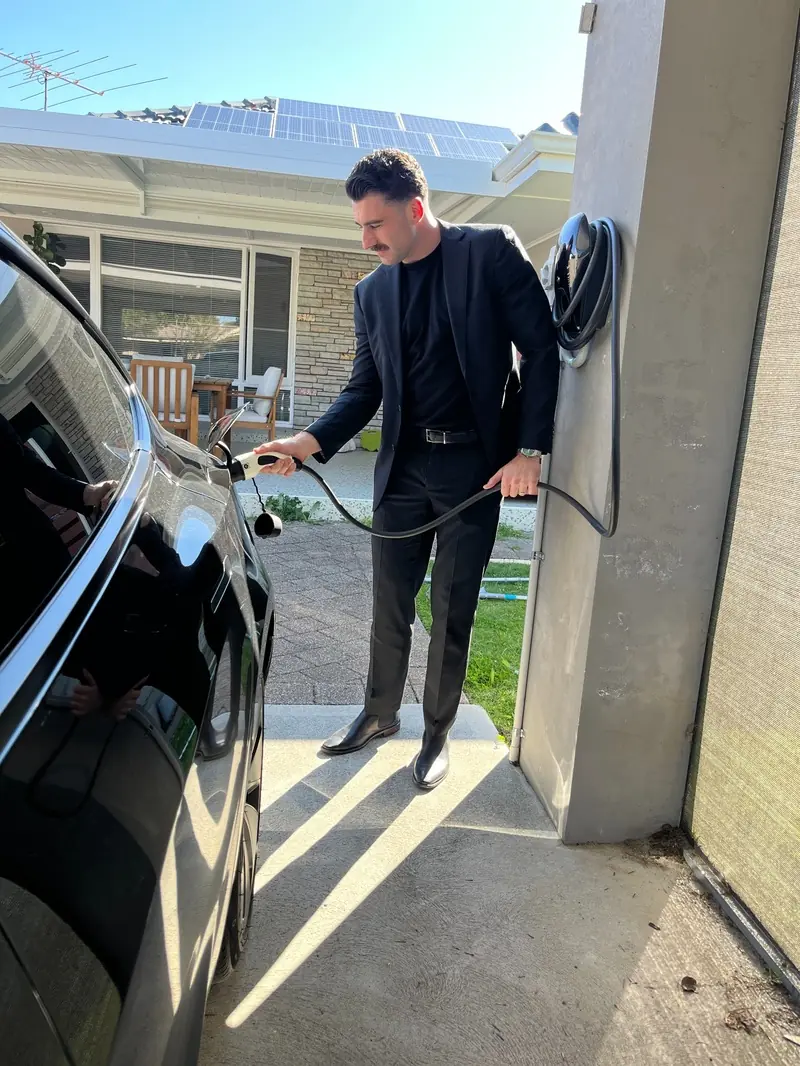
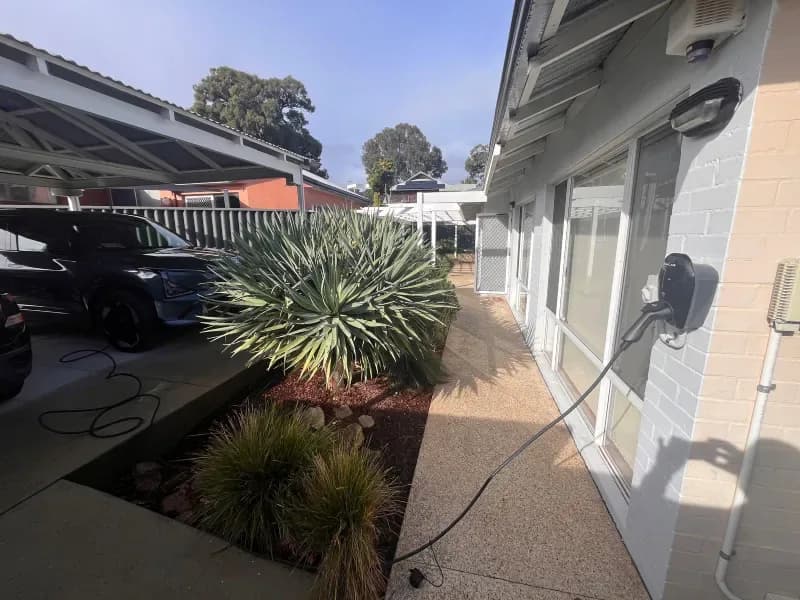
For a Canning Vale business, we set up a portable charger on Exploren at an employee's home, so every charging session is logged and the business can pay the employee back.
Local Support
We're based here in WA, so we're close by if a charger or a card needs sorting out.
Where Exploren Fits
Exploren runs at sites where more than one driver shares the chargers, or where drivers pay to charge.
RFID is the tap-card system that unlocks a charger for one driver. OCPP is the open standard that lets a charger from one maker talk to software from another.
| Site | Who it suits | What Exploren does |
|---|---|---|
| Apartments and Strata | Residents with their own bays, or shared visitor bays | Tap-card access, and each resident billed for their own charging |
| Workplaces and Fleets | Staff and company cars | Tap-card access, usage reports and remote monitoring |
| Public, Hotel and Retail | Sites where visitors pay to charge | Listed on PlugShare and the Exploren app, with the fees paid to you each month |
Apartments and Strata
Residents with their own bays, or shared visitor bays
Tap-card access, and each resident billed for their own charging
- Each resident taps their own card
- Power use recorded per driver
- Billing back to the resident, not the strata
Workplaces and Fleets
Staff and company cars
Tap-card access, usage reports and remote monitoring
- Records which car used which charger
- Remote usage reporting
- Fault monitoring around the clock
Public, Hotel and Retail
Sites where visitors pay to charge
Listed on PlugShare and the Exploren app, with the fees paid to you each month
- You set the rate
- Drivers pay in the Exploren app
- Exploren pays you each month, less its software fee
What Exploren Charging Costs
Exploren quotes its software to suit each site, and we quote the chargers and the install after a site visit.
Your quote lists the chargers, the install, any switchboard work and the Exploren setup.
Ask for an Exploren charging quoteExploren Charging We've Installed
One job is in a Dalkeith apartment block, where residents charge on an Ocular charger with Exploren. The other is for a Canning Vale business, with a portable charger on Exploren at an employee's home.
How Drivers Charge on Exploren
A driver starts a charge with the Exploren app or a tap card.
A strata can set the rate to cover what the power costs, so residents pay for their own charging and the building doesn't.
Commercial EV charger installationFind a Charger
The Exploren app shows nearby chargers, and drivers can reserve one.
Plug In
The driver plugs the car into the charger.
Scan or Tap
They scan the QR code on the charger or tap their RFID card to start.
Watch and Pay
They follow the charge in the app and pay the rate the owner set.
Exploren FAQs
More on Shared and Public Charging
Do drivers need the Exploren app?
Drivers can start with the app's QR code scan or with an RFID tap card. To pay at a public charger, they set up an Exploren account with a credit card.
Which chargers work with Exploren?
Any charger that uses OCPP, the open standard, from more than 40 makers. Most of the chargers we connect to Exploren are Ocular.
Who sets the price at an Exploren charger?
The charger's owner sets the rate. Exploren doesn't set prices.
Can Exploren bill apartment residents for their charging?
Yes. In our Dalkeith apartment job, each resident taps their own card, and Exploren records each charge and bills that resident.
Ready to Run Your Chargers on Exploren?
Tell us about your site, how many drivers will charge and who pays, and we'll plan the chargers and the Exploren setup.